Basis 2026

Basis is a New Zealand energy startup with the world’s first smart panel. I designed the Home app that works with it, bringing real-time energy insights, control, and safety into the home.
Home
The Basis Home app gives you a complete view of your home’s energy workflow. See what’s happening in real time. Get the insights most relevant to you and control your favourite groups and circuits from the home screen. Every home is unique, so customisability was key.

Personalise your favourites with the circuits and groups how you want to see them on the home screen.
One fun detail I worked on for Pride Month was this small easter egg: tapping the greeting animates the icon into a rainbow, and users can cycle through different colours.
Insights
With insights you can see how much you’re using, where, and how much did it cost.
Add cards for the circuits you want to track the usage or cost, and see them live throughout the day.
Reorder or remove cards to suit your needs and house.
Long press a card for a native menu with more options.
Native patterns like this are present across the app embracing each platform’s design language.
Tapping on an insight card opens into its own detail view. It applies Tufte’s principle of micro/macro readings that provide both local (smaller) and global (overall) comparisons/views of the data without losing context.
The menu allows users to switch between datasets reducing the need to navigate between separate views. This preserves context and makes comparison easier.
Navigate back and forth through periods with the tab bar accessory.
Different data visualisations are important because they help people answer different questions and draw different conclusions while preserving context. It’s for this reason that we allow for overview, breakdown, and percentage views of datasets like usage and cost.
Chart interactions like dragging to the daily value apply the concept of small multiples, allowing for visual comparison, while time drill-down enables detail progression.
Filtering allows to select specific circuits or panels to focus on.
Control
As the name suggests, users can control their circuits and groups. The control view also enables view preferences such as sorting and display options to accommodate different user profiles.
Tabs let people choose between viewing groups and circuits together or separately.
Tapping a circuit in the list opens a circuit overview with all the relevant details, along with key actions like setting it to standby, favouriting or editing.
Tap the up and down arrows to navigate between circuits from within the circuit overview. They follow the sort preference from the control view.
Favourite a circuit and it lands on the home screen.
Standby is the main way to control circuits. Putting a circuit on standby pauses the power flowing through it.
Swiping a circuit row in the list reveals the standby action. By default, standby shows a confirmation sheet. Users can choose to always allow standby on a circuit, skipping the sheet, or block it to prevent stopping power accidentally.
Circuits are labelled during panel installation via the electrician’s configuration in the Trade app. The home user can later customise them in the home app to better match how they think about their home and how circuits are actually wired.
Circuit tags help people easily identify where circuits are located and what they are connected to. They are categorised by locations, appliances, or custom.
Search for adding and creating a custom tag.
Add groups by circuit type and set all circuits in a group to standby at once.
Create custom groups to organise circuits by room, floor, or any other way that makes sense to you.
Reorder circuits inside a group for manual sorting.
Edit a group name.
Remove or add circuits from within the edit view.
Activity
Activity is about safety monitoring. Check whether any circuit has tripped and needs attention, and a safety overview over time.
See a log of electrical events, filter by panel, circuit or period to find specific ones across the house.
Tap an event in the list to view its details and see whether any action is recommended.
Unresolved events indicate circuits that have tripped and remain offline. They are the exception. Most of the time, all circuits are active, so empty states reassure users that everything is working as expected.
Support
Find the support you need from within the app, submit feedback and report bugs.
Firmware Update
To update the firmware, users need to press a small button on the panel. The animated asset helps users know what to do at each step and how to interact with the hardware.
The stepper was a nice detail that made the flow feel faster and provided an extra visual layer of confirmation.
Trade app
A small offline feature for the Basis Trade app, used by electricians installing panels in the field. Download panel data to configure and install panels on areas without internet connectivity.
Acknowledgements
Made by many incredible people. Special thanks to Andrew Novikov, Antony Gardiner, Cynthia Tan, Duncan Babbage, Jade Martin, Lana Shanatova, Oliver Metz and the wider Basis engineering team.
-
01.1.1 Home insights carousel -
01.1.2 Edit favourites -
01.1.3 Pride month greeting -
01.1.4 Status blurb component -
01.2.5 Insights overview -
01.2.6 Insight card component -
01.2.7 Add circuit card -
01.2.8 Reorder insight cards -
01.2.9 Insight card context menu -
01.2.10 Remove insight card -
01.2.11 Air conditioning cost -
01.2.12 Dataset menu -
01.2.13 Period accessory view -
01.2.14 Chart view types -
01.2.15 Yearly chart drilldown -
01.2.16 Single circuit filter -
01.3.17 Group options menu -
01.3.18 Control tabs -
01.3.19 Circuit detail screen -
01.3.20 Circuit cycling arrows -
01.3.21 Circuit favouriting -
01.3.22 Circuit standby -
01.3.23 Circuit header component -
01.3.24 Circuit row swipe action -
01.3.25 Circuit row component -
01.3.26 Circuit rename and icon -
01.3.27 Tag search and create -
01.3.28 Circuit tagging -
01.3.29 Group standby -
01.3.30 Create circuit group -
01.3.31 Reorder circuits in group -
01.3.32 Rename circuit group -
01.3.33 Edit group members -
01.4.34 Activity overview -
01.4.35 Activity time filter -
01.4.36 Shock protection event -
01.4.37 Activity empty state -
01.5.38 In-app feedback -
01.6.39 Firmware update steps -
01.6.40 Stepper component -
01.6.41 Panel update button -
01.7.42 Trade offline download -
01.7.43 Snackbar component
Jillion 2023

Jillion is a Dubai-based fintech B2B payment gateway orchestrator. I joined as the first designer, then grew and led a team of designers across the globe.
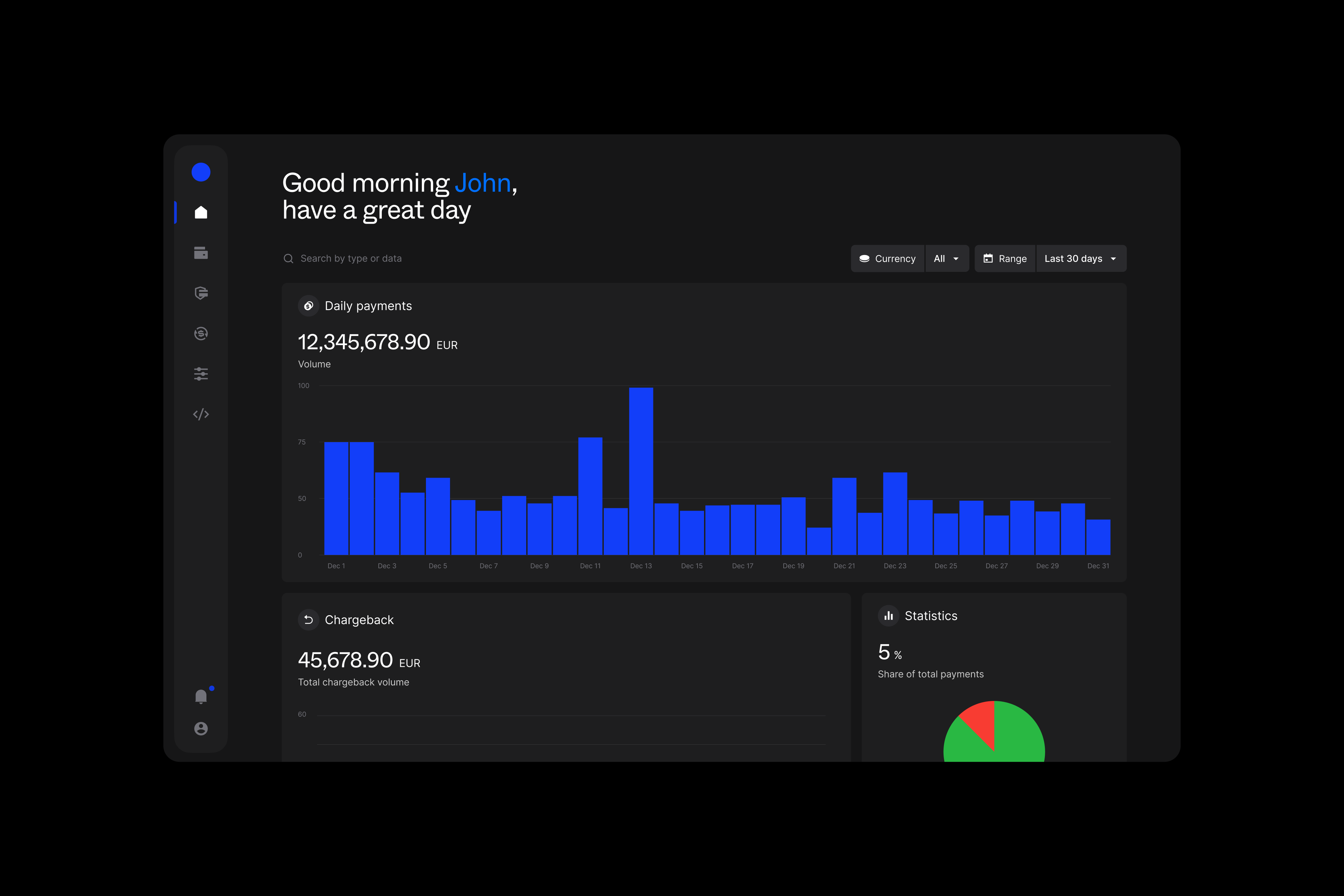
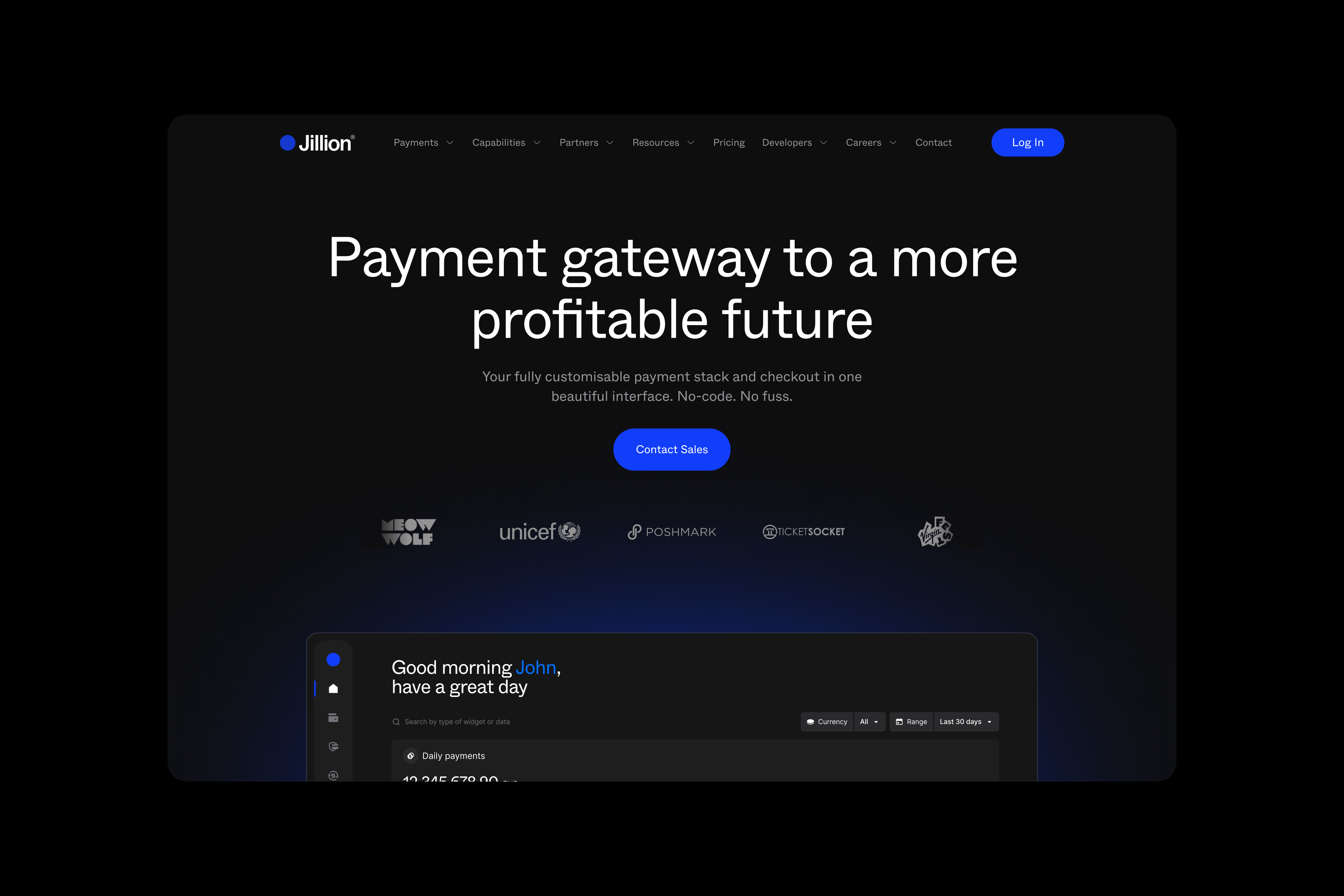
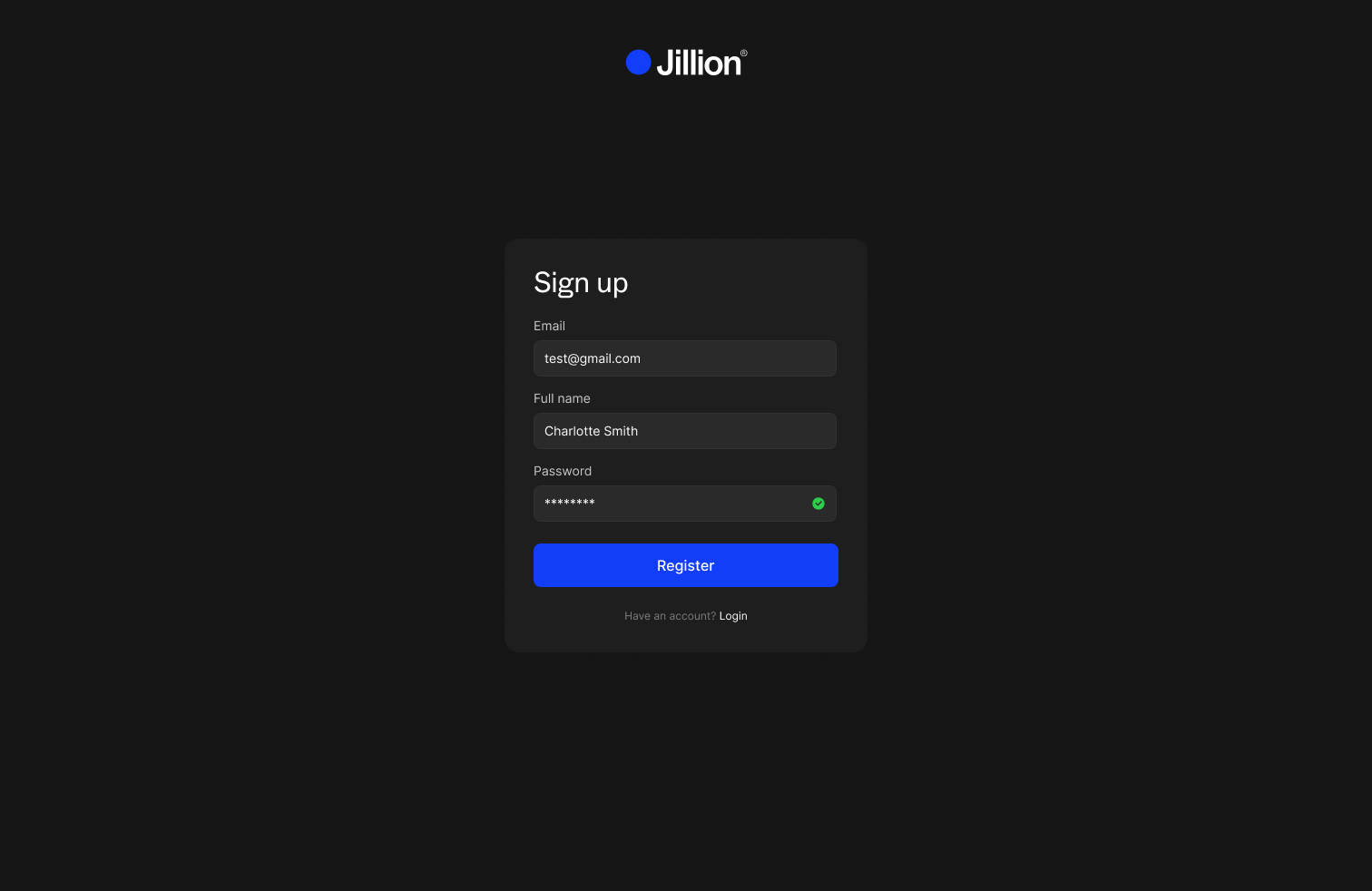
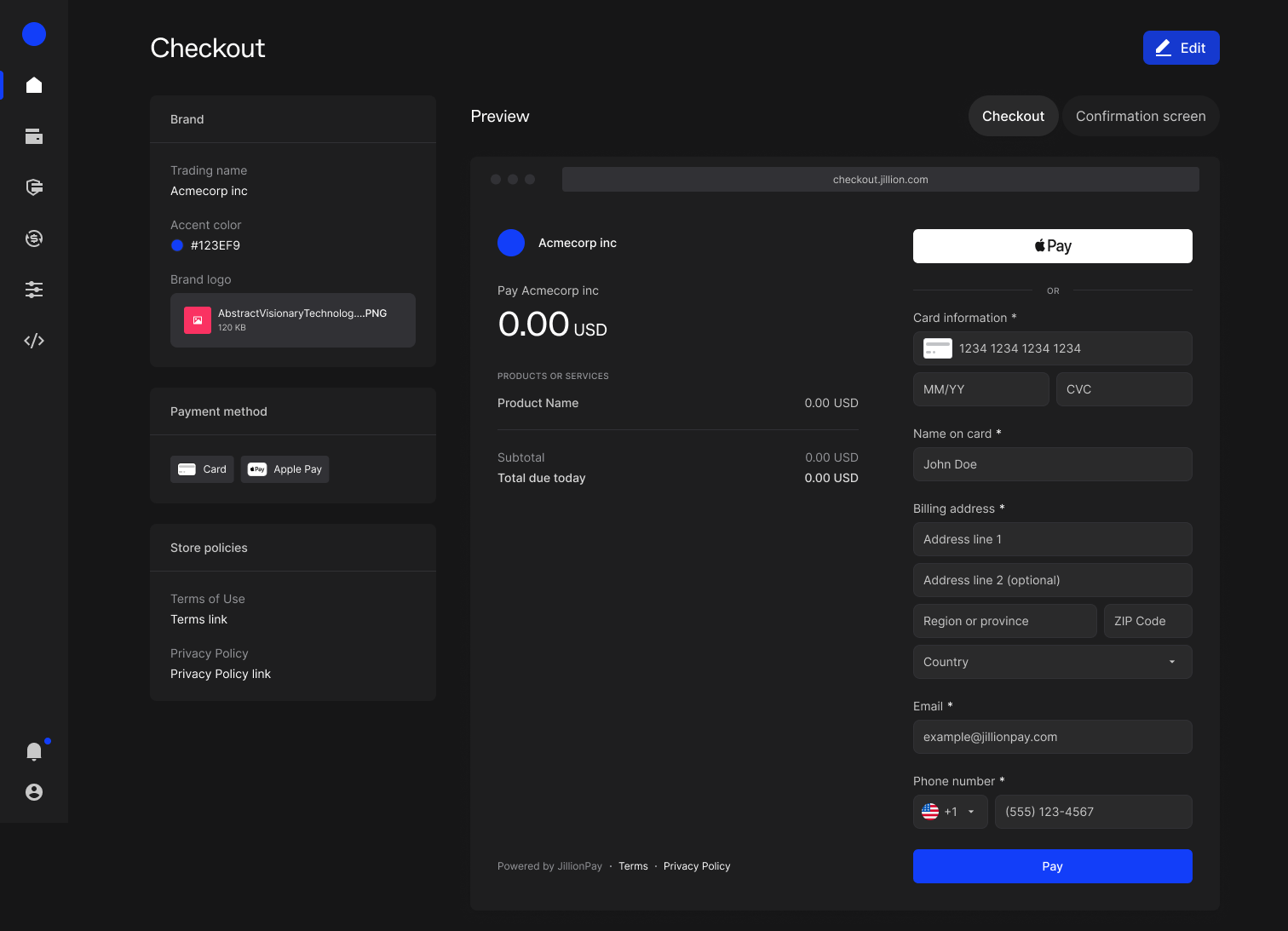
We built and launched the brand and product from zero to one, creating the visual identity, designing a SaaS platform for merchants and internal operations, shipping the marketing website, and establishing the design system tying it all together.


The work spanned branding, product design, strategy, and close collaboration with engineering.
Acknowledgements
Made with a talented bunch. The designs are the work of Alex Rutman, Caio Posse, Jade Rocha, Luke Wojcik, Martyne Gonzaga, Michal Jakobsze and Pedro Abreu.
-
02.1.1 Merchant dashboard home -
02.1.2 Marketing homepage -
02.1.3 Brand orb -
02.1.4 Logotype construction -
02.1.5 Payment flow builder -
02.1.6 Sign-up form -
02.1.7 Checkout branding editor -
02.1.8 Marketing site scroll -
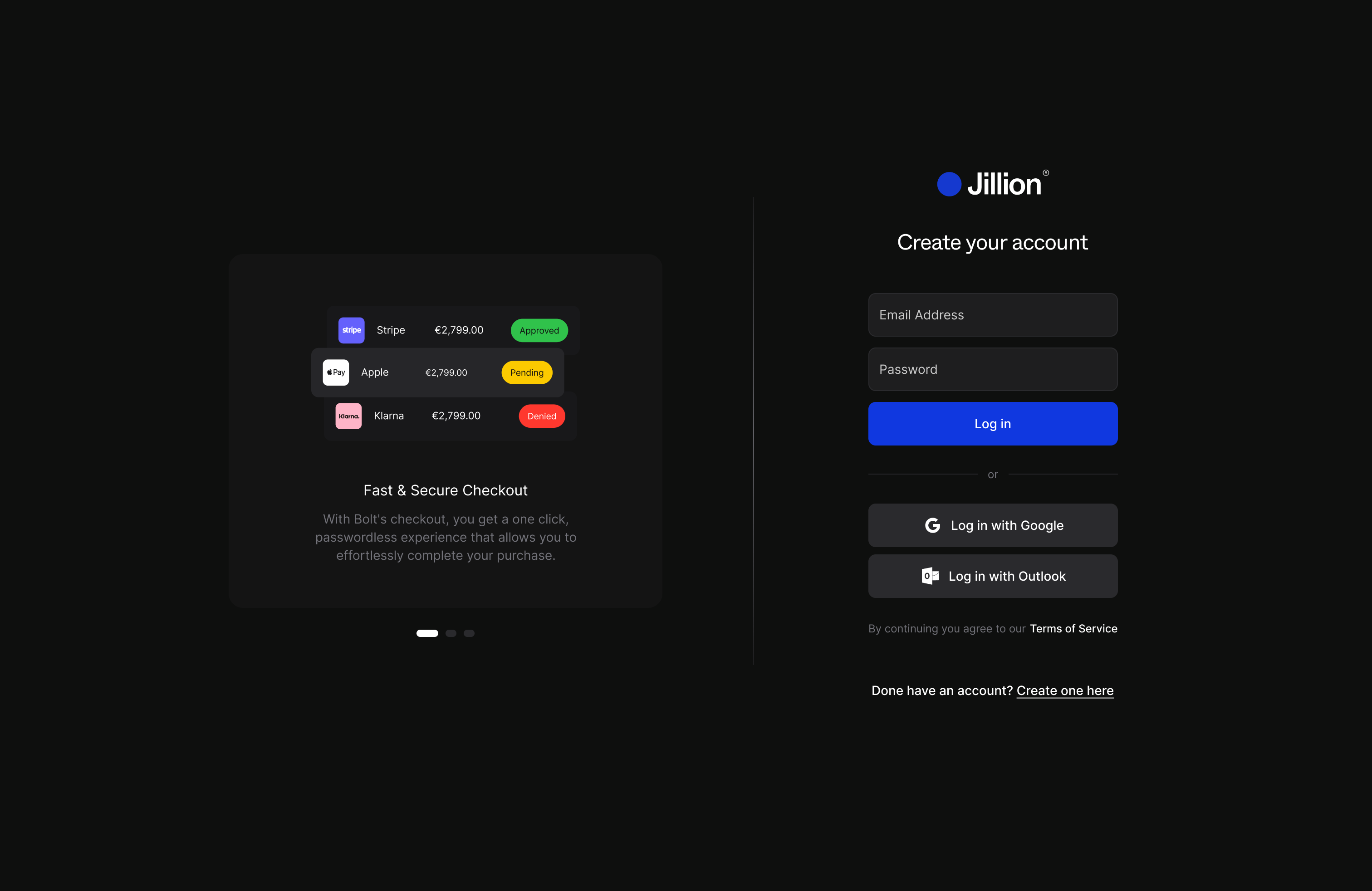
02.1.9 Login screen -
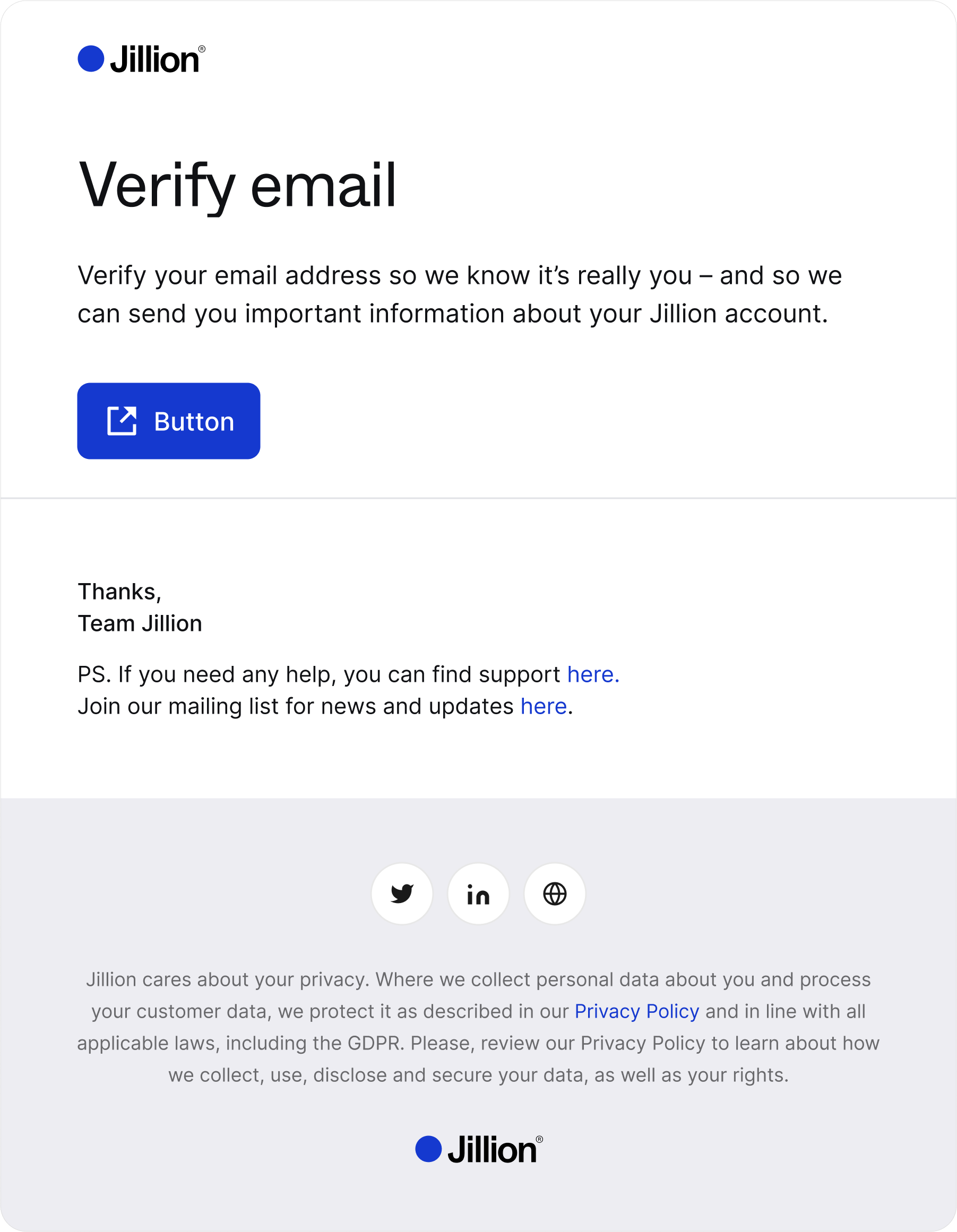
02.1.10 Email verification template -
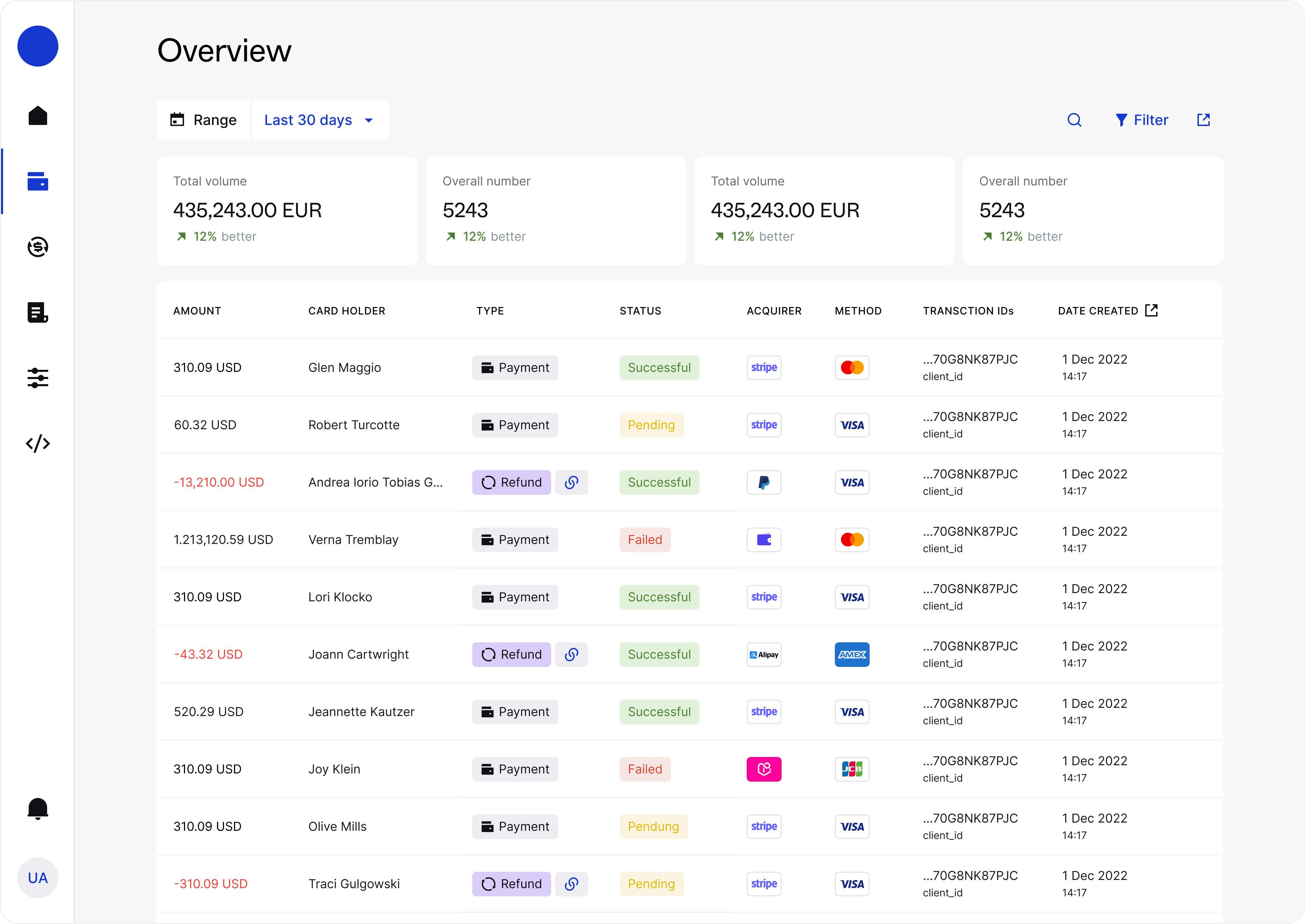
02.1.11 Payments overview -
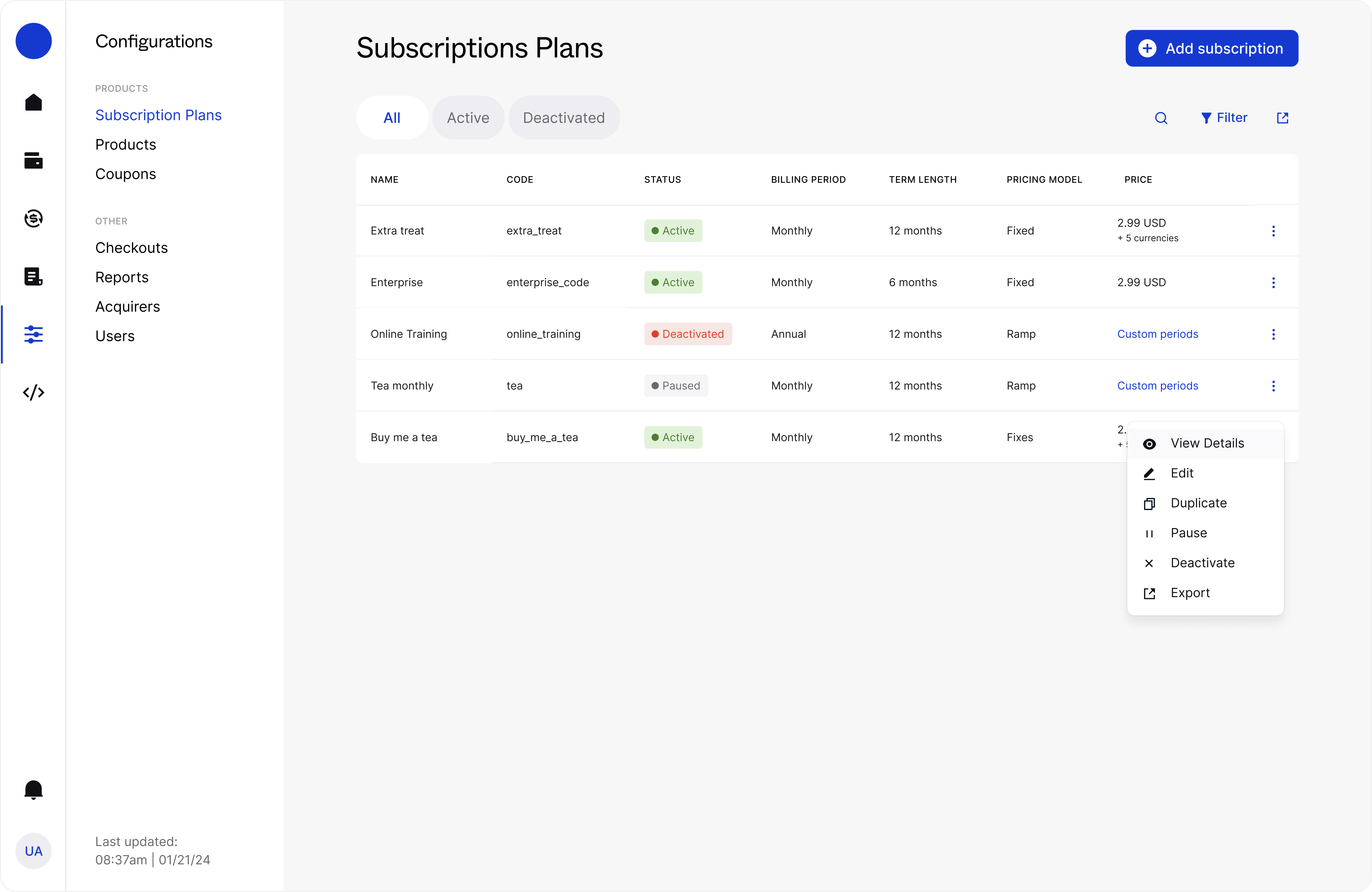
02.1.12 Subscription plans table -
02.1.13 Logo marquee
Colab 2022 – 2024

Colab helps product professionals grow through expert-led cohorts, practical learning, and a vibrant global community. Their programs are built by real product leaders and trusted by 650+ PMs from companies like Visa, Xero, and BBC.
I worked as a freelance digital designer, improving the brand and spanning it across digital mediums and touchpoints.
-
03.1.1 Homepage hero -
03.1.2 Program cards
CIBC 2022

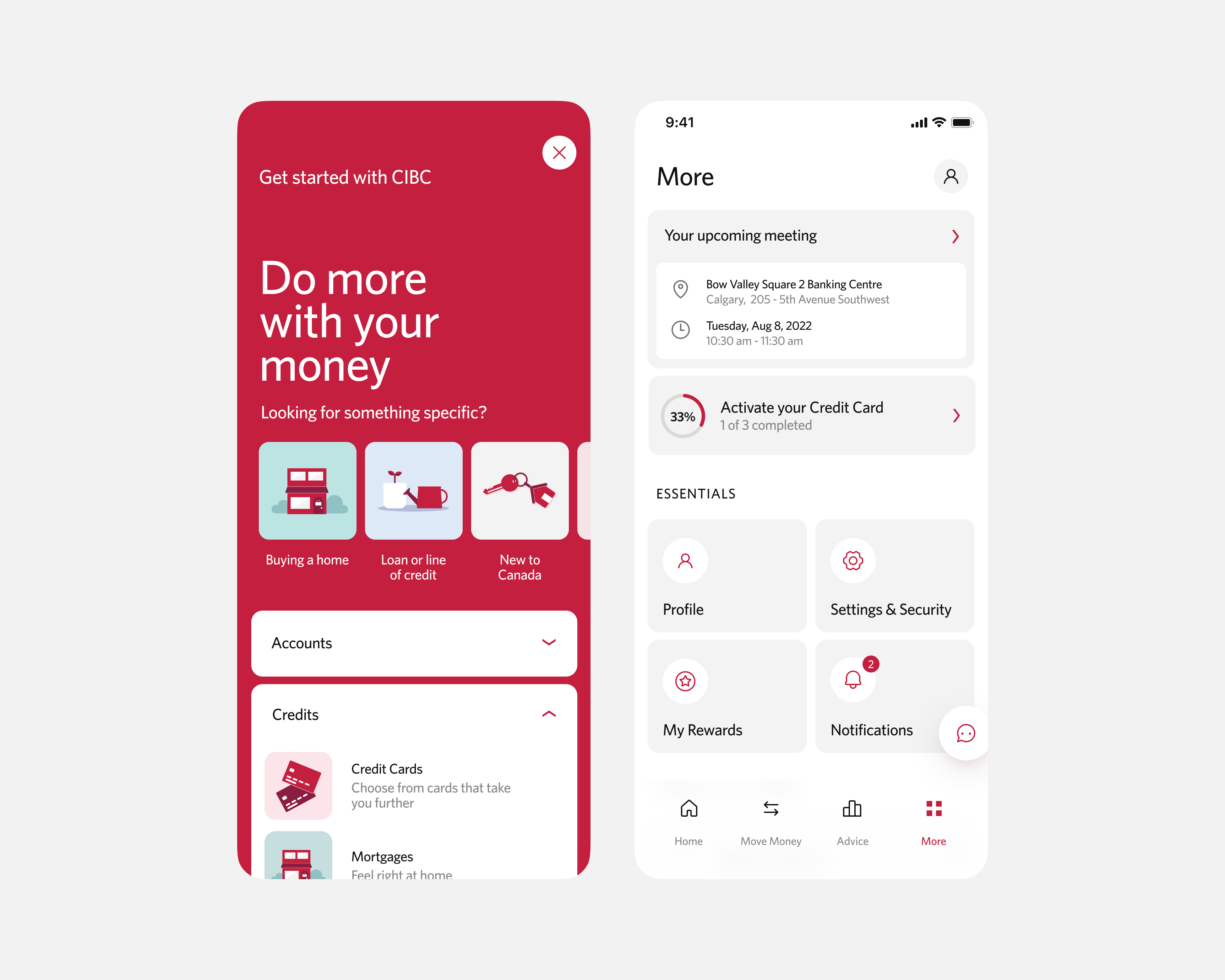
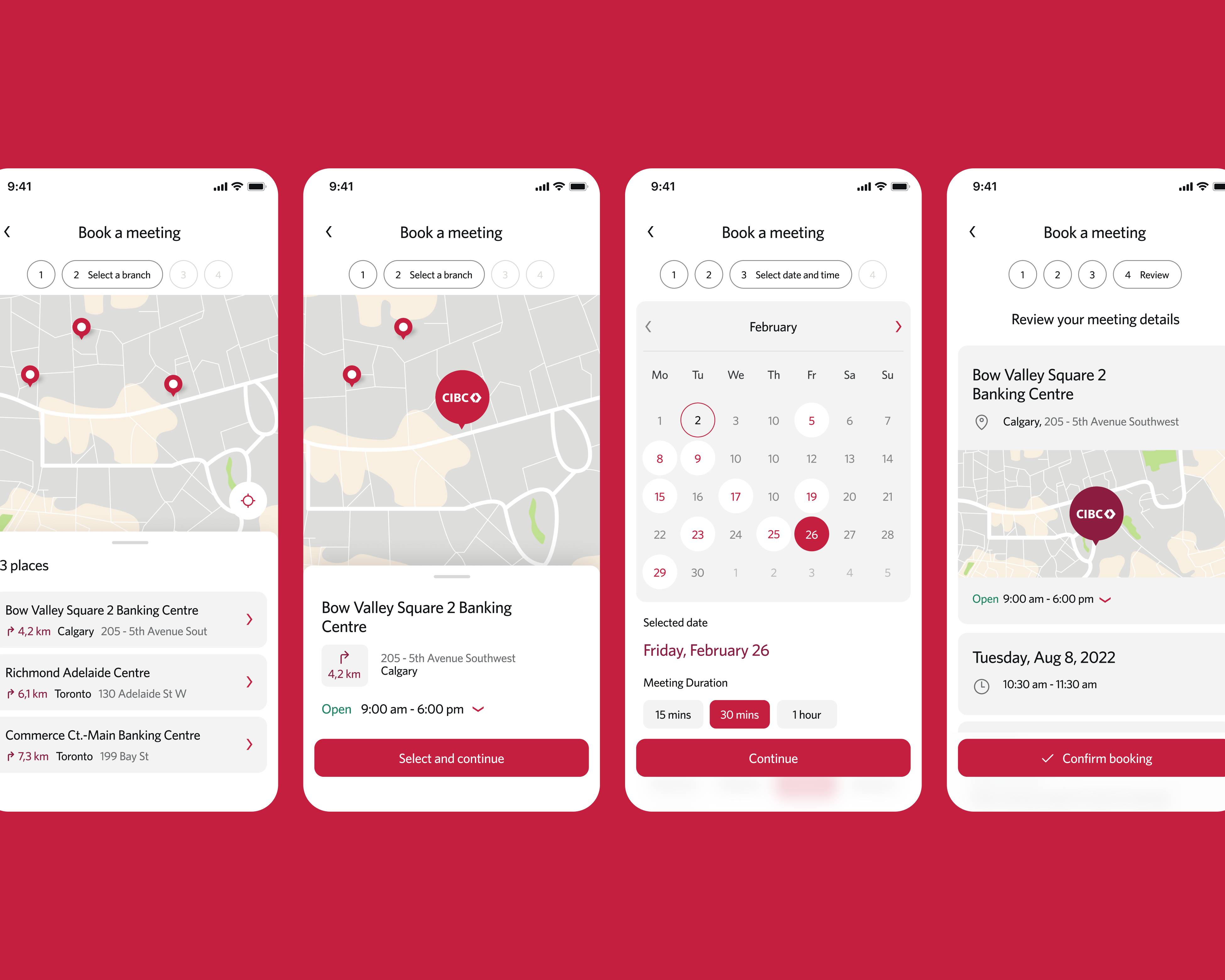
CIBC is one of Canada’s largest and most established banks, trusted by millions for over a century. Working through Solvers, I focused on the product design of their mobile banking app, using the bank’s existing brand guidelines to inform and enable the visuals.
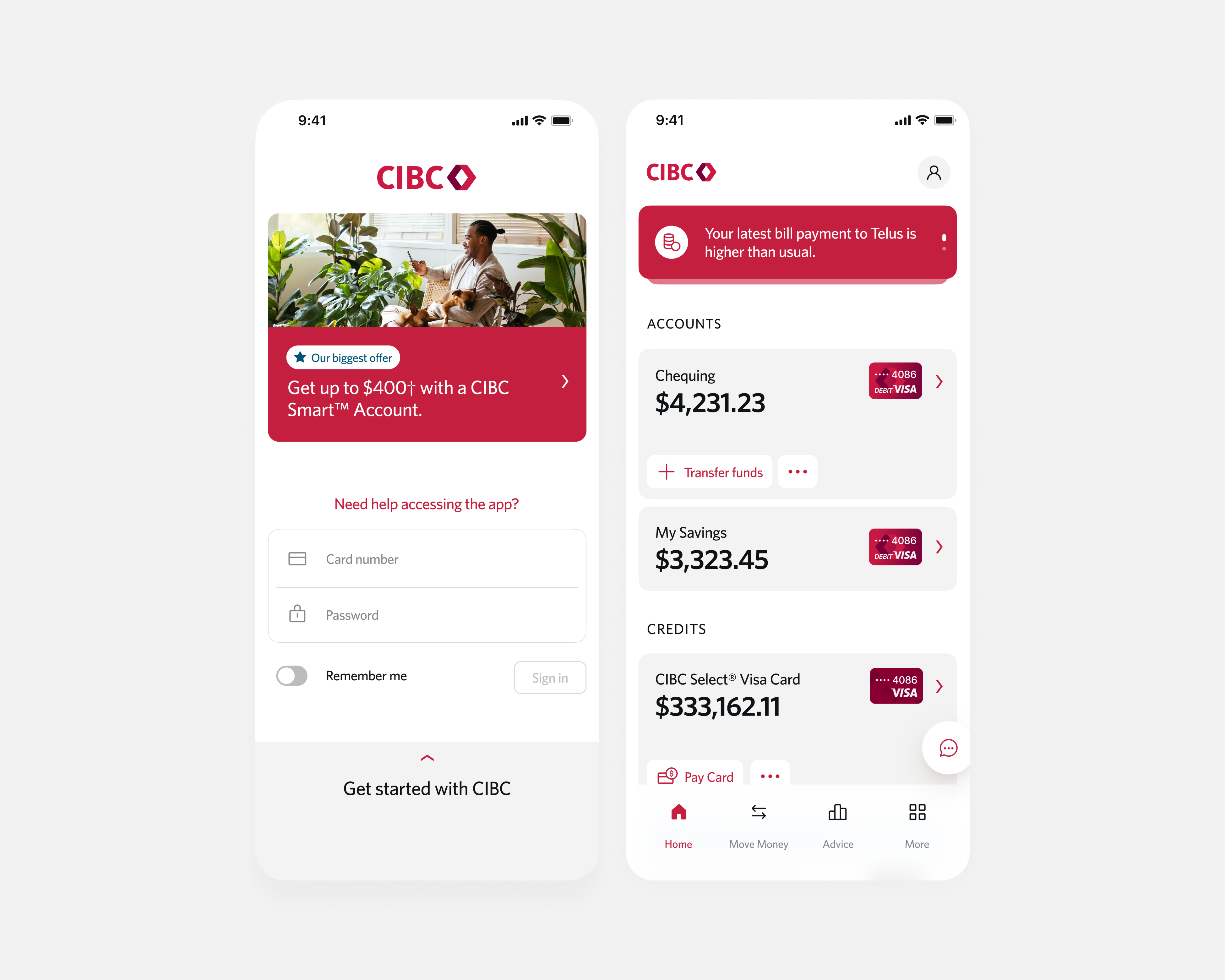
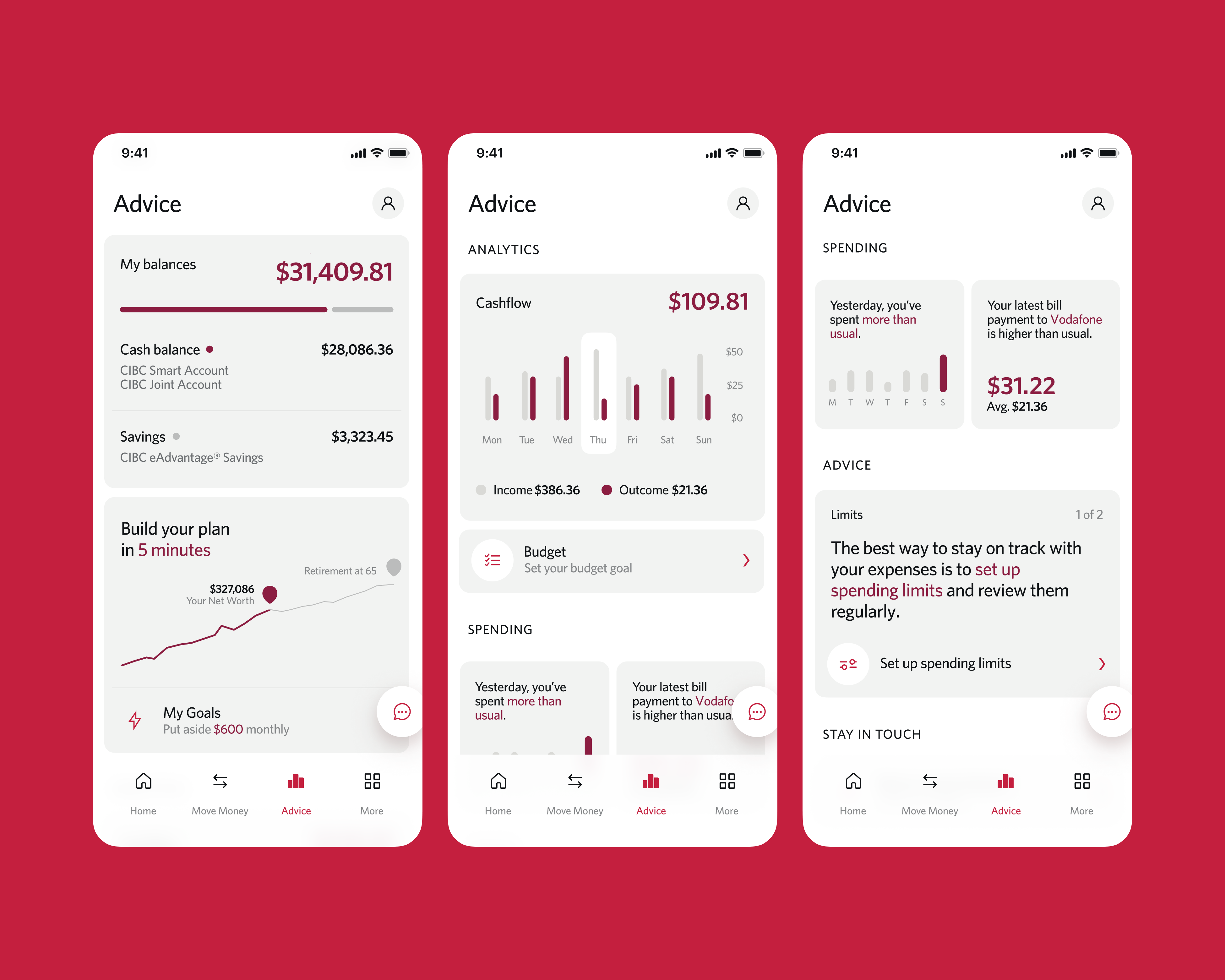
As a traditional, reliable institution, the challenge was to modernise the app and deliver a better experience while preserving the sense of reliability and trustworthiness that customers depend on. Striking the balance between innovation and trust was a key priority.
-
04.1.1 Login and home screens -
04.1.2 Advice tab analytics -
04.1.3 Onboarding and More menu -
04.1.4 Branch booking flow
Booking.com 2022

Booking.com is one of the world’s largest online travel platforms, used by millions of travellers every day.
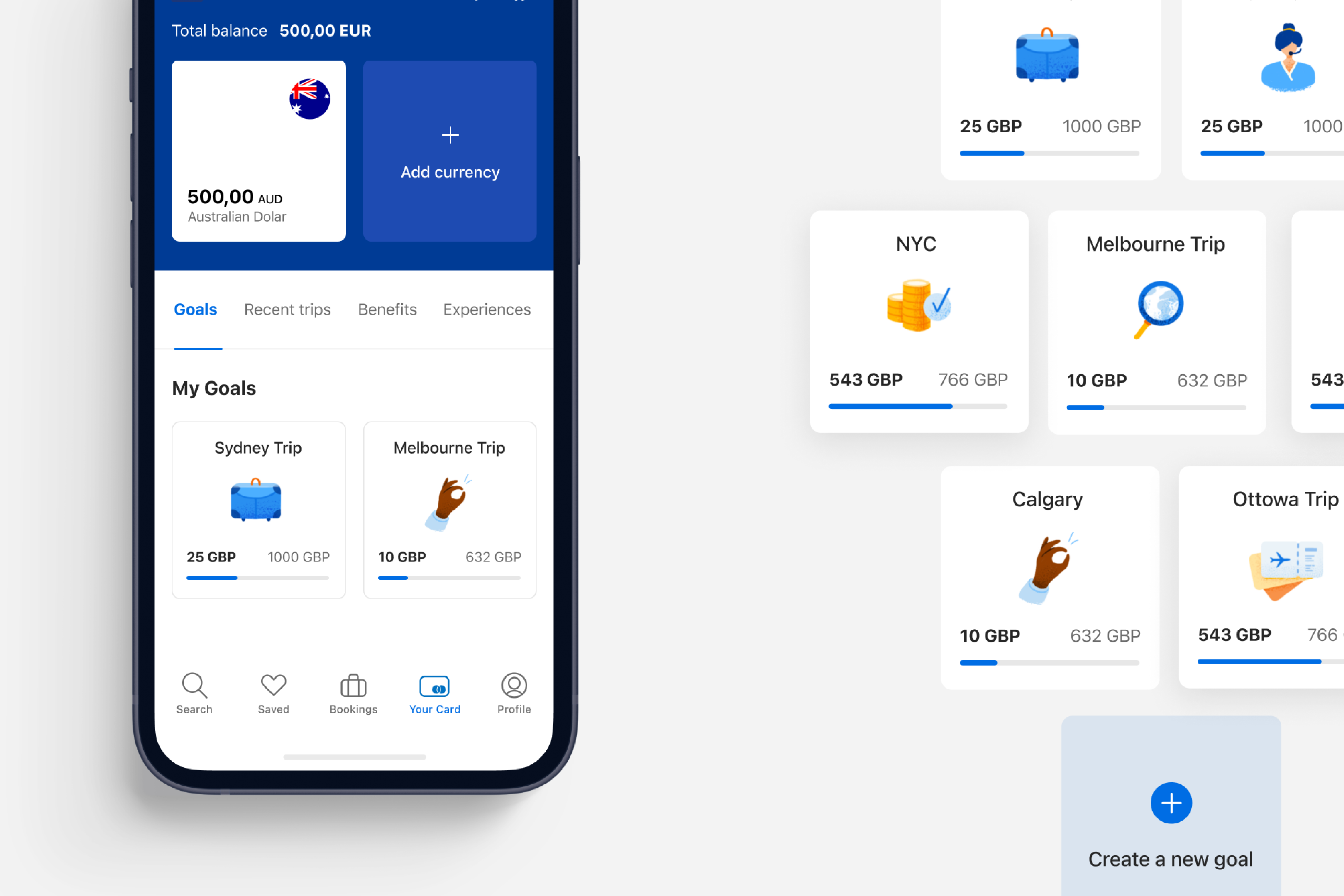
In partnership with Mastercard, the brief at Solvers was to design a travel card area within the app, giving users access to a financial card to manage their trip expenses directly in the Booking.com experience.
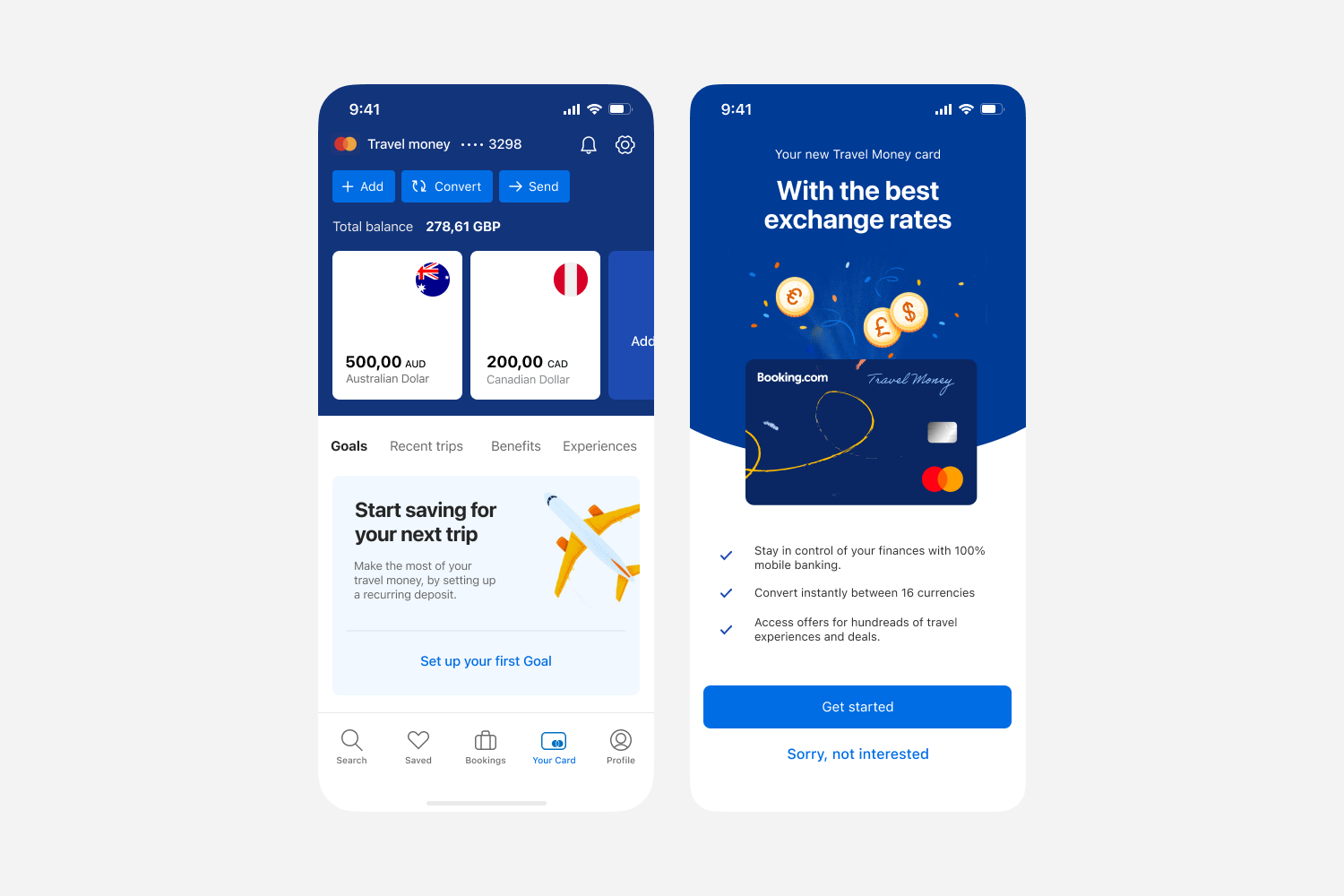
The work focused on integrating this new financial layer seamlessly into the existing product while keeping the booking journey intuitive.
-
05.1.1 Trip savings card -
05.1.2 Currency conversion -
05.1.3 Multi-currency wallets -
05.1.4 Balance, goals, onboarding
Cushla 2022

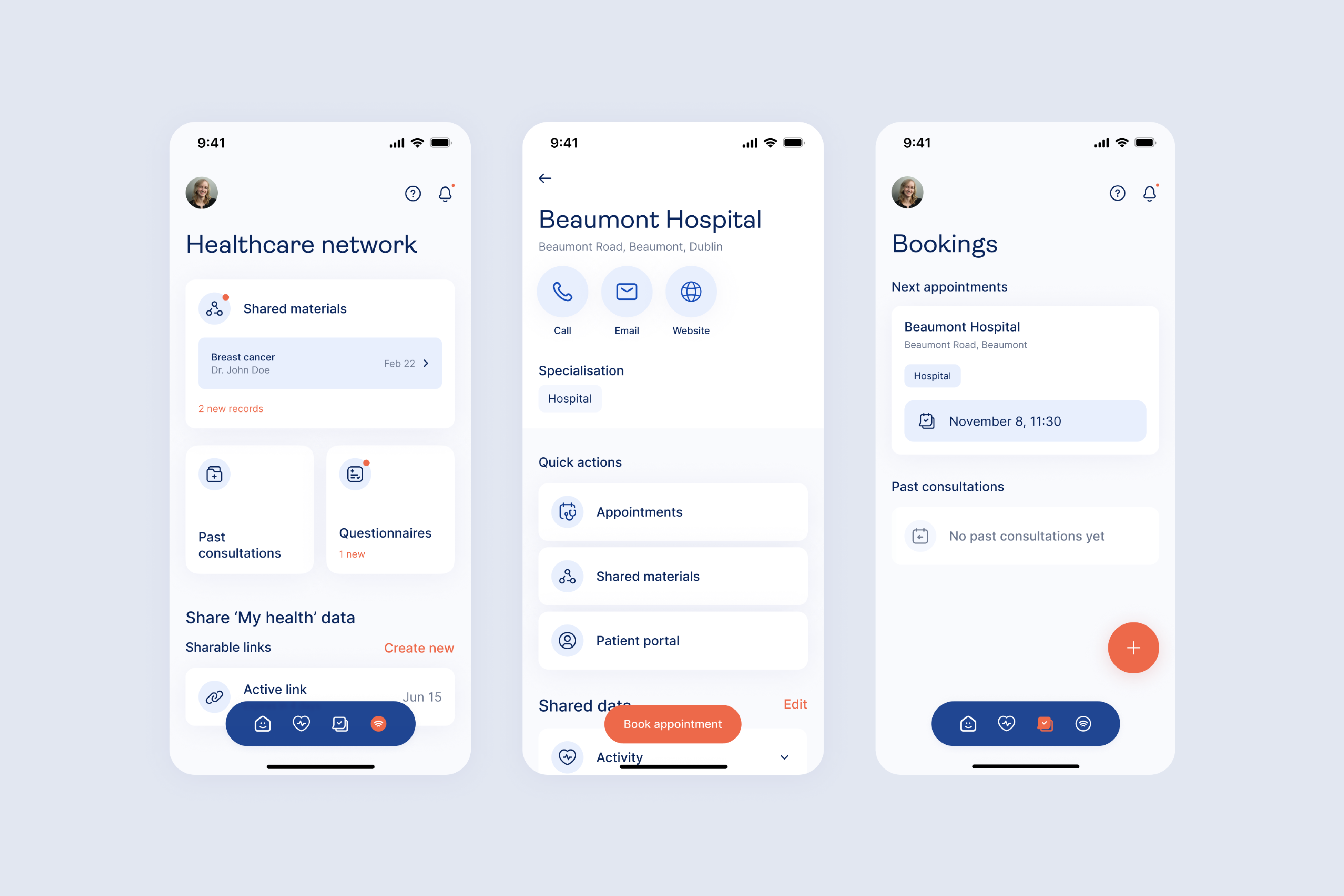
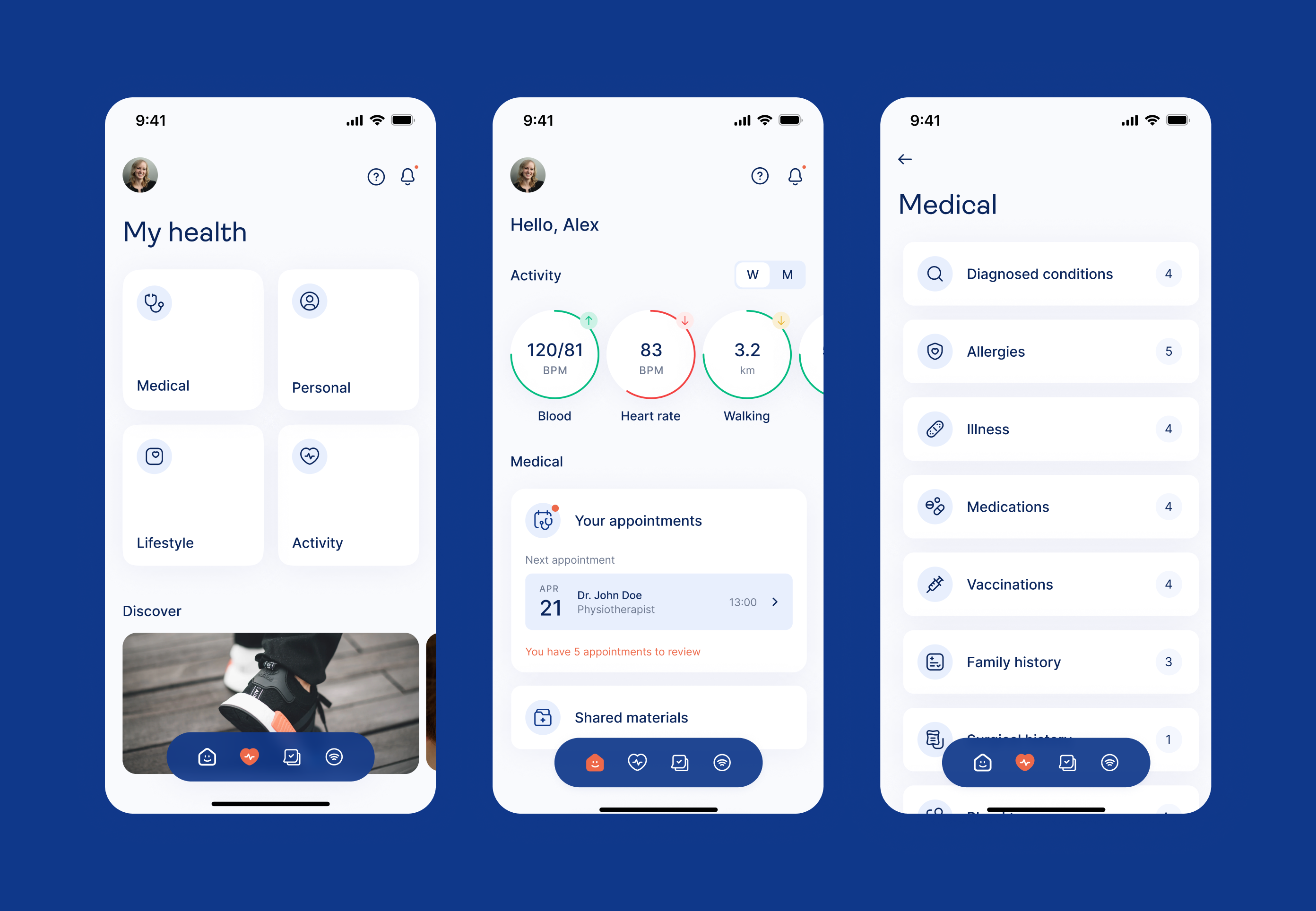
Cushla is an Irish healthcare startup founded in Dublin, built to transform how people access and control their health data. The platform centralises medical records into one place, letting users book appointments, share data with specialists, and manage their healthcare interactions with privacy at the core.
At Solvers, I led the product design of their mobile app, shaping the experience from the ground up to make navigating personal health data feel intuitive and trustworthy.
-
06.1.1 Appointments card -
06.1.2 Network and booking screens -
06.1.3 Health dashboard
Solvers 2021 – 2023

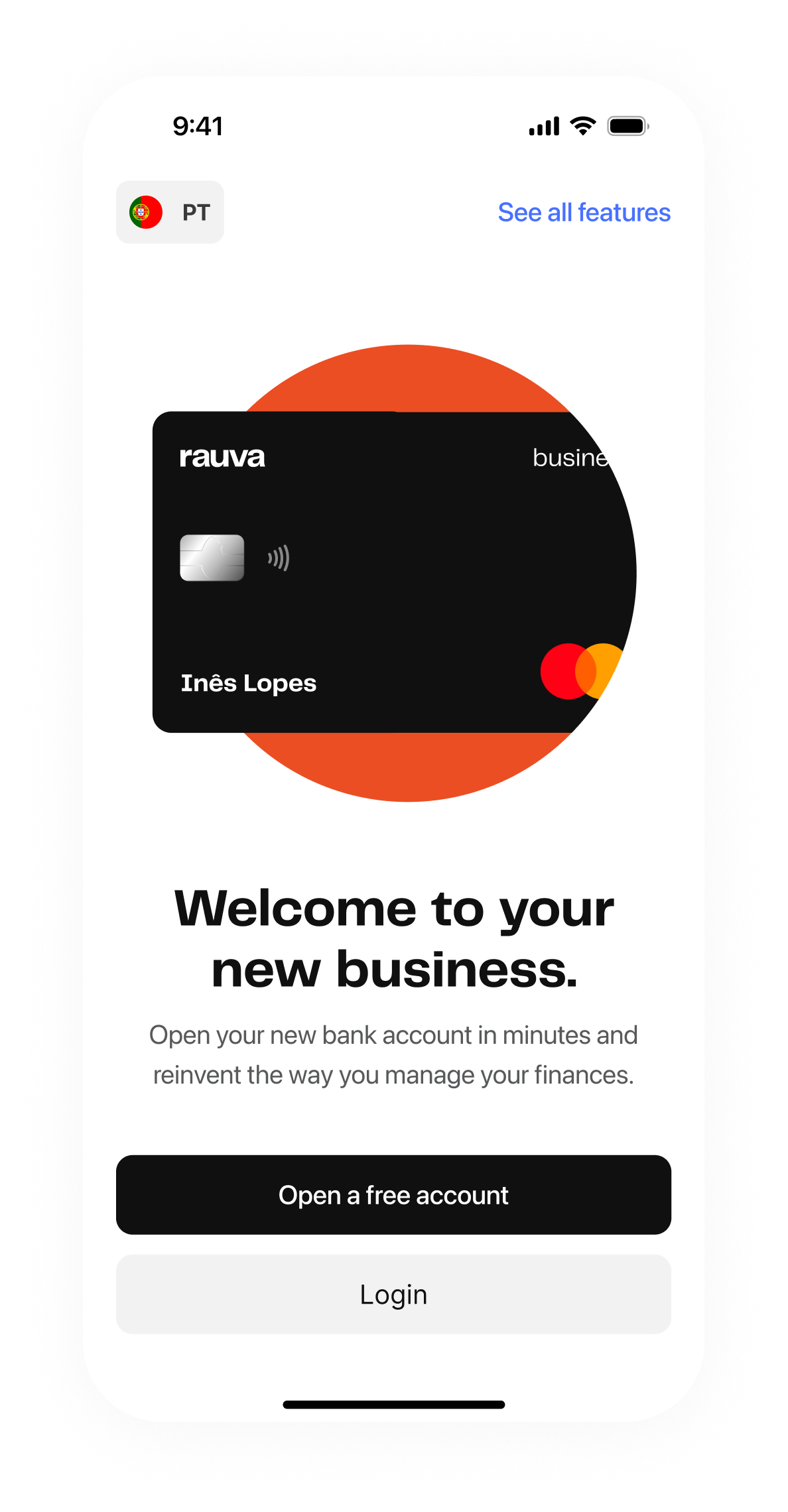
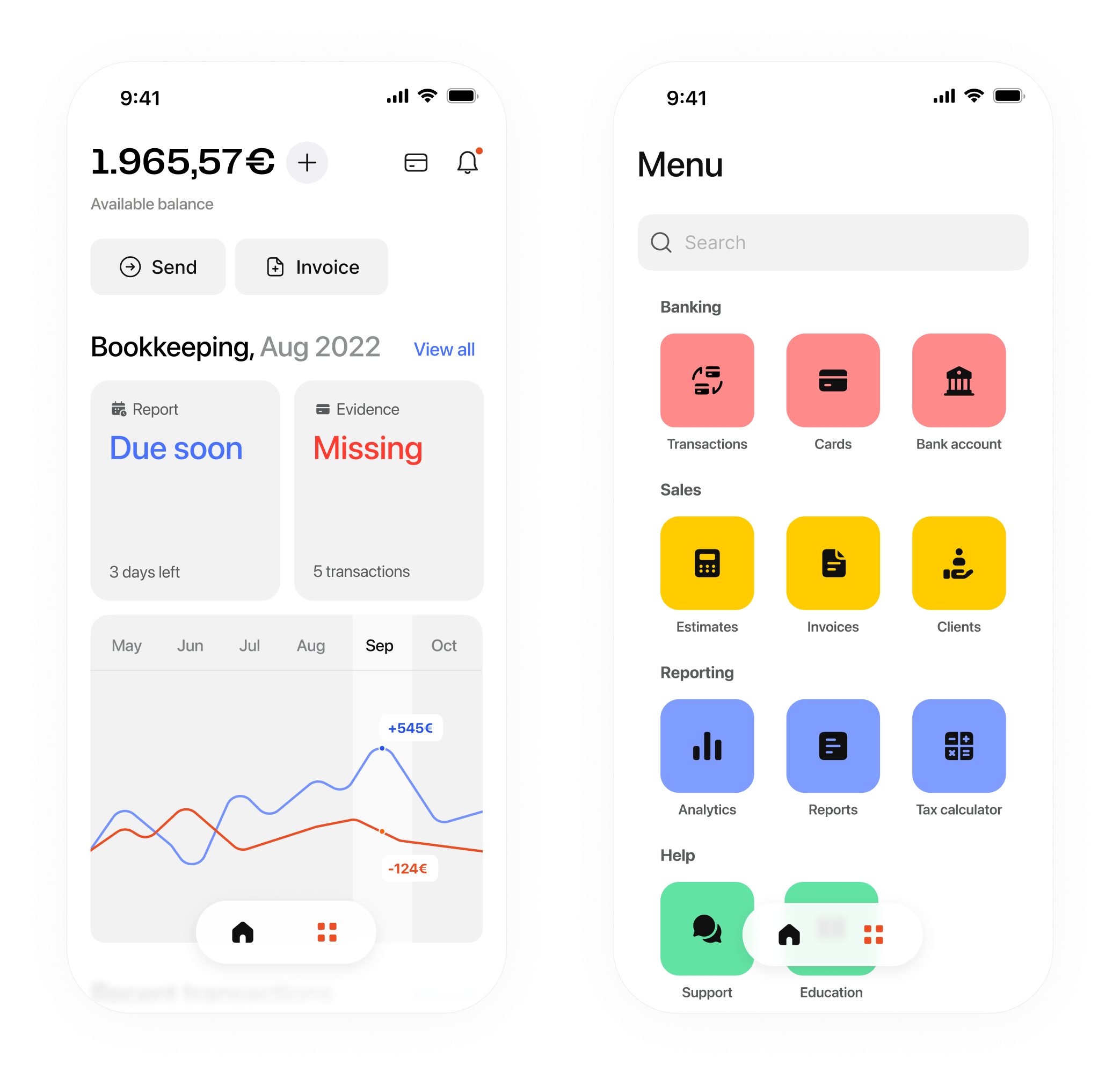
Additional work from my time at Solvers, an Ireland-based design consultancy. These projects span product design, branding, and digital experiences across a range of clients and industries.
-
07.1.1 Rauva onboarding screen -
07.1.2 Rauva bookkeeping and menu -
07.1.3 Rauva report status cards -
07.1.4 Wahed savings goals